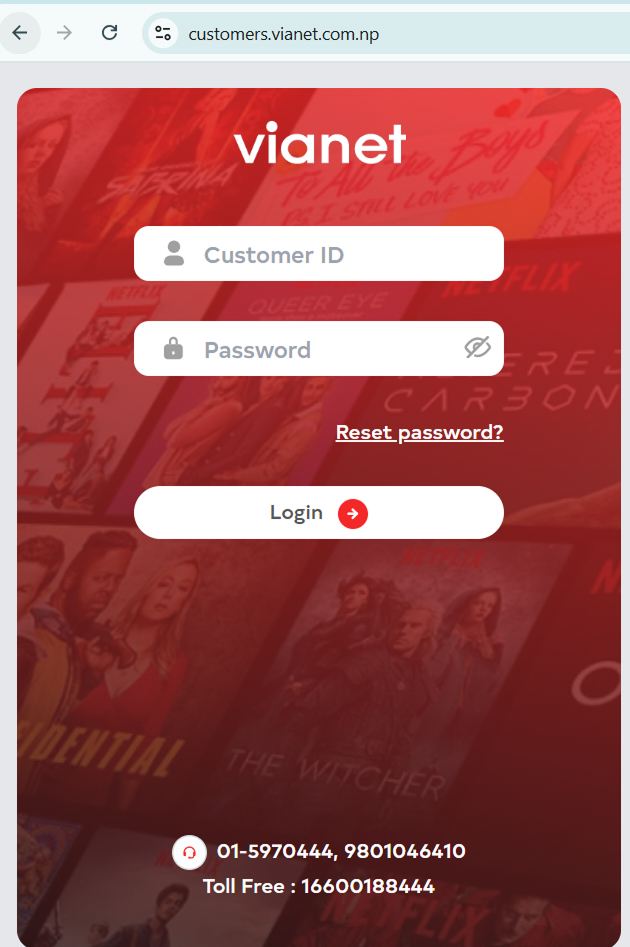
1. Login to Customer Web Portal / Mobile App (Android or iOS)
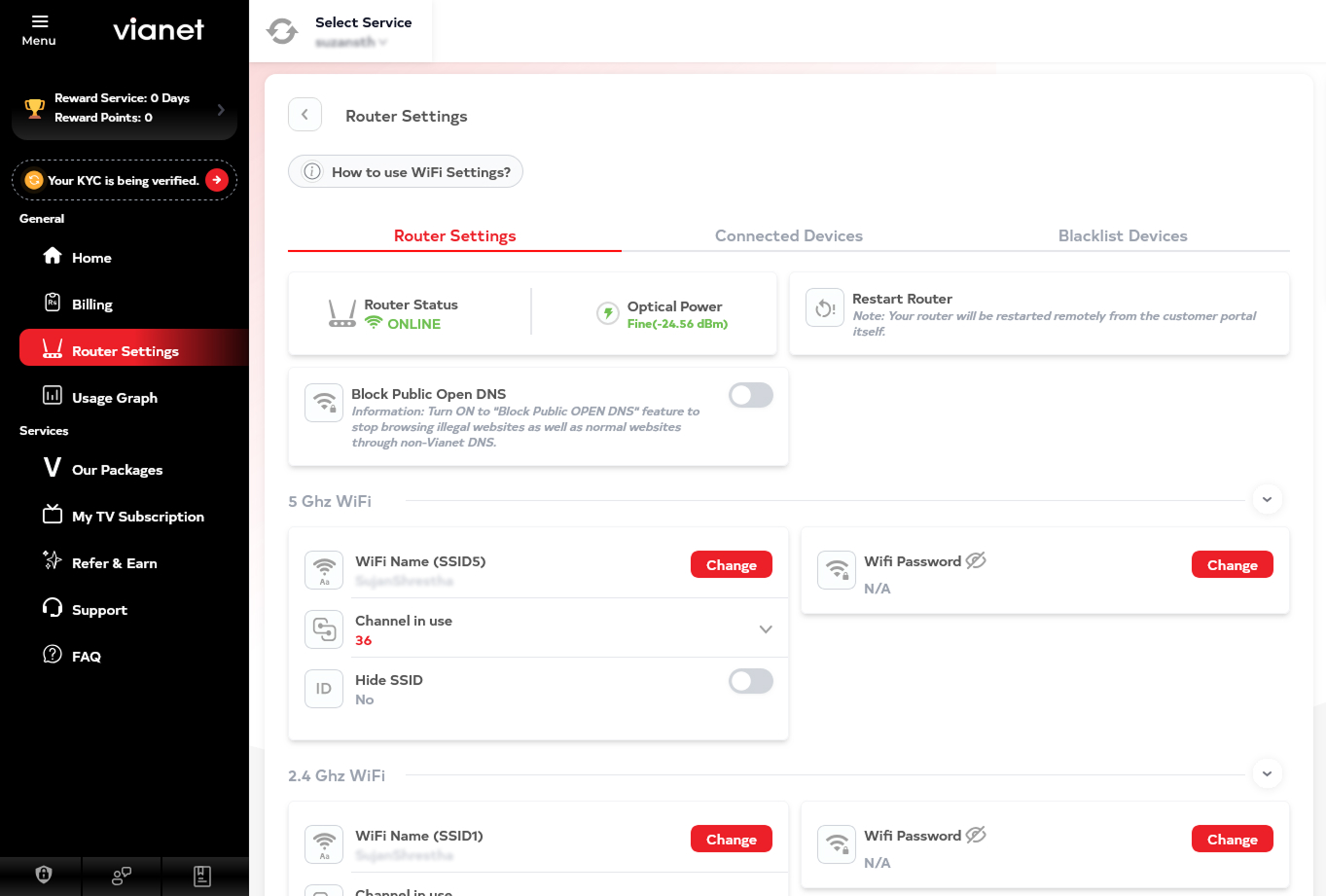
2. Go to Router Settings
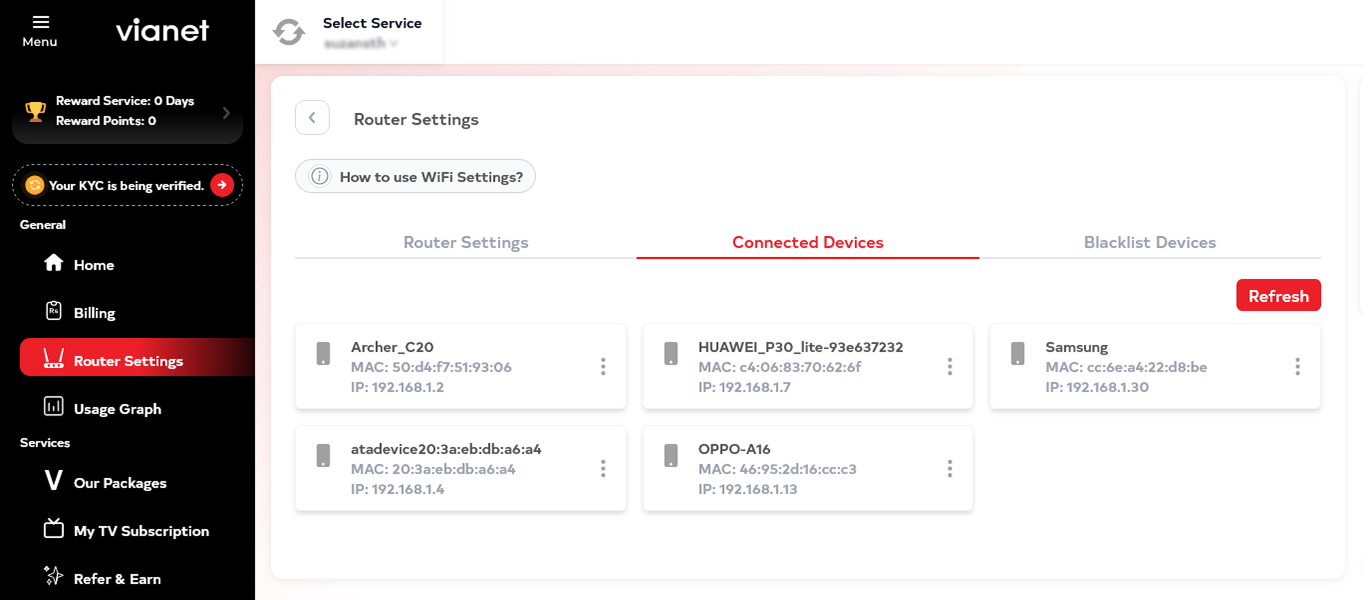
3. Click on Connected Devices
4. Click on 3 dots of the device you wish to block
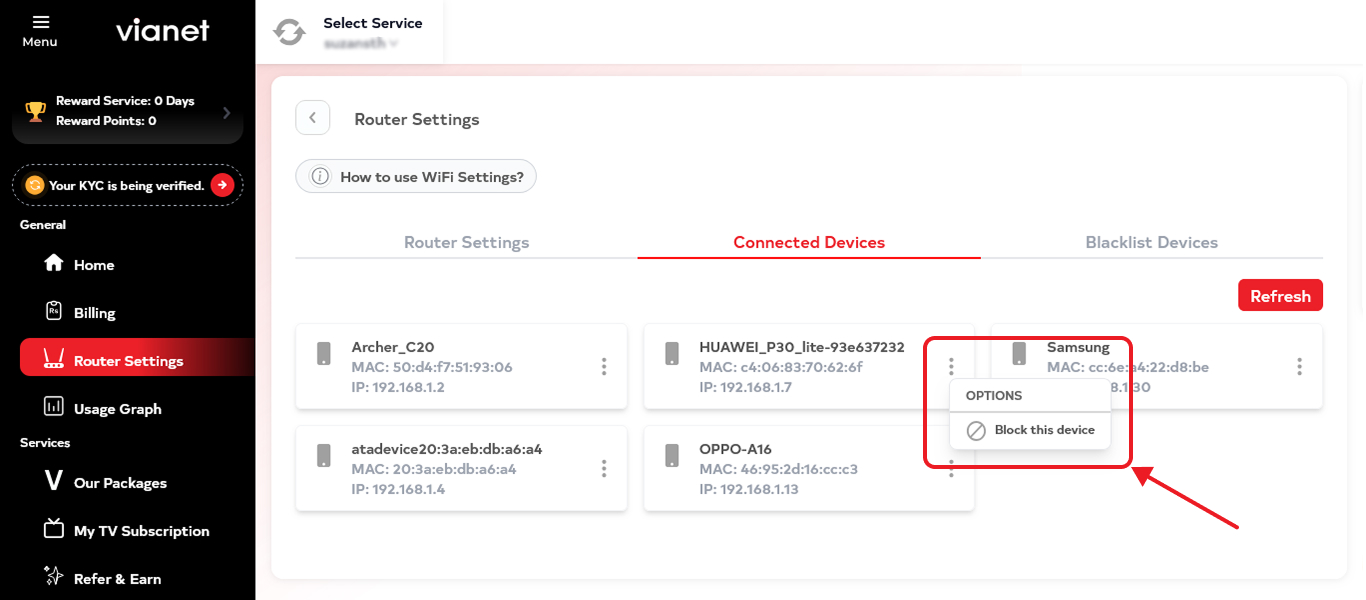
5. Click Block this device.


How can we help you?
How to View Connected Devices / Block Unauthorized Devices?
1. Login to Customer Web Portal / Mobile App (Android or iOS)
2. Go to Router Settings
3. Click on Connected Devices
4. Click on 3 dots of the device you wish to block
5. Click Block this device.
Was this article helpful?
Help us improve your support experience by sharing your feedback.