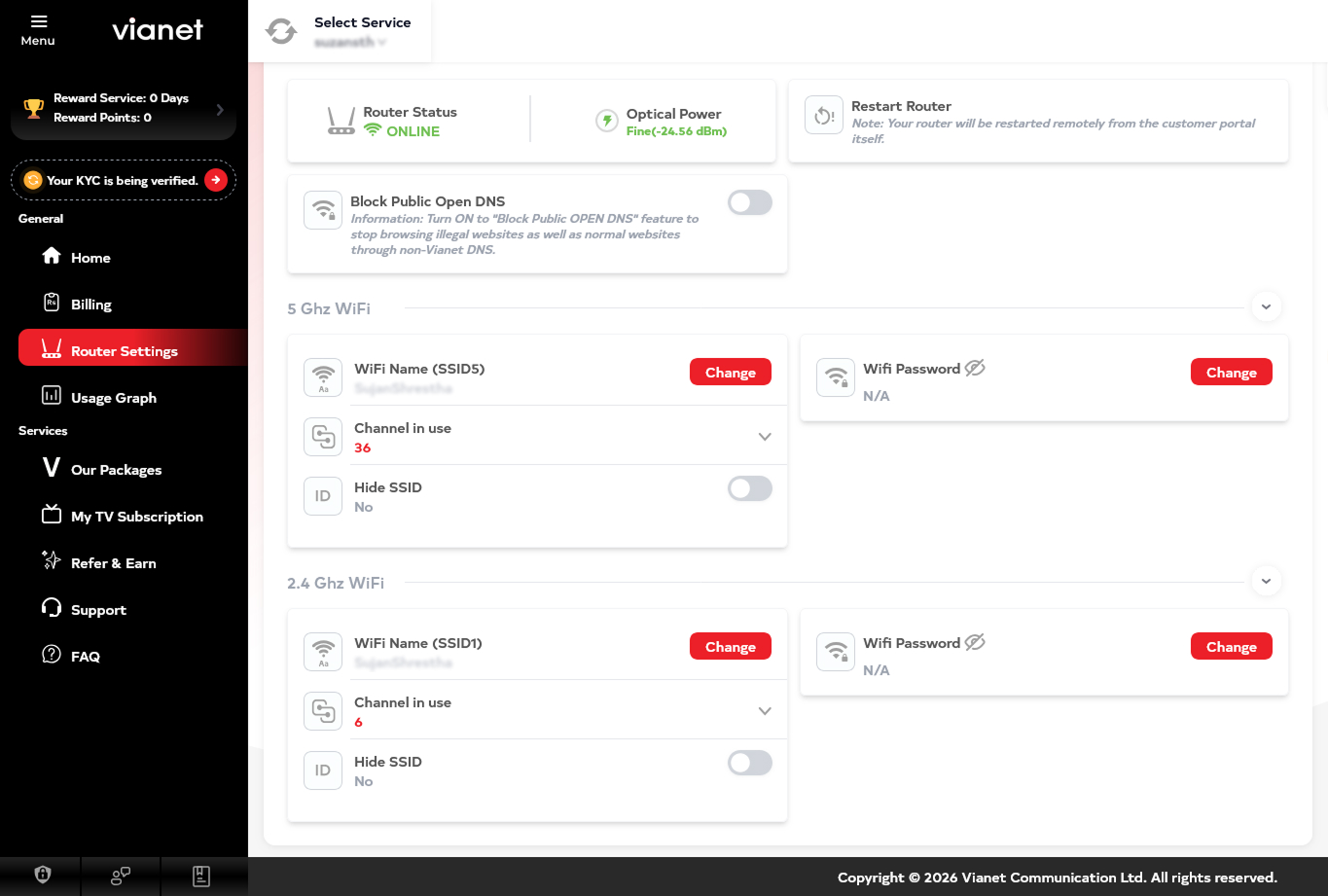
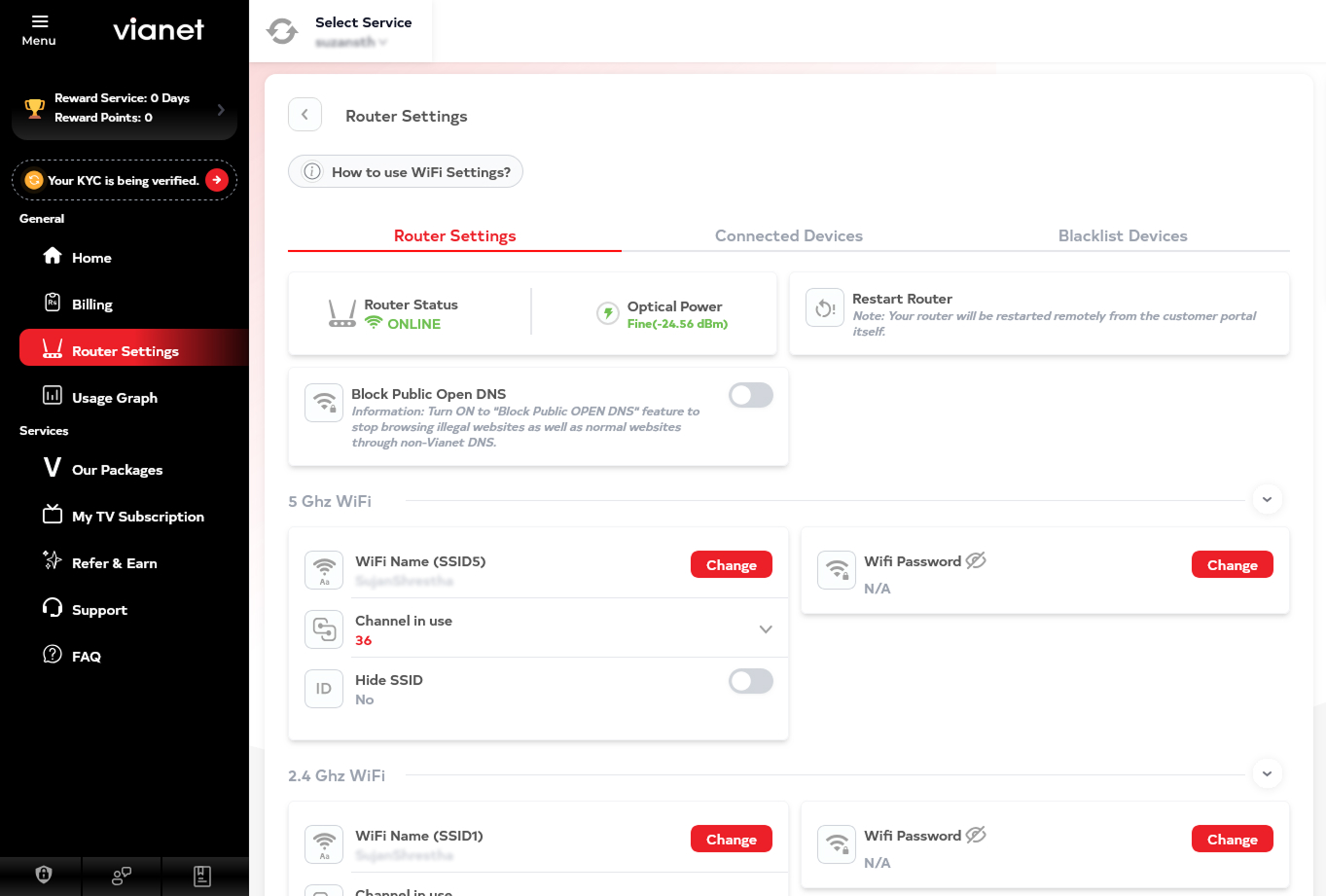
Change Wi-Fi Name or Password
Change your Wi-Fi name (SSID) or password whenever you need to.
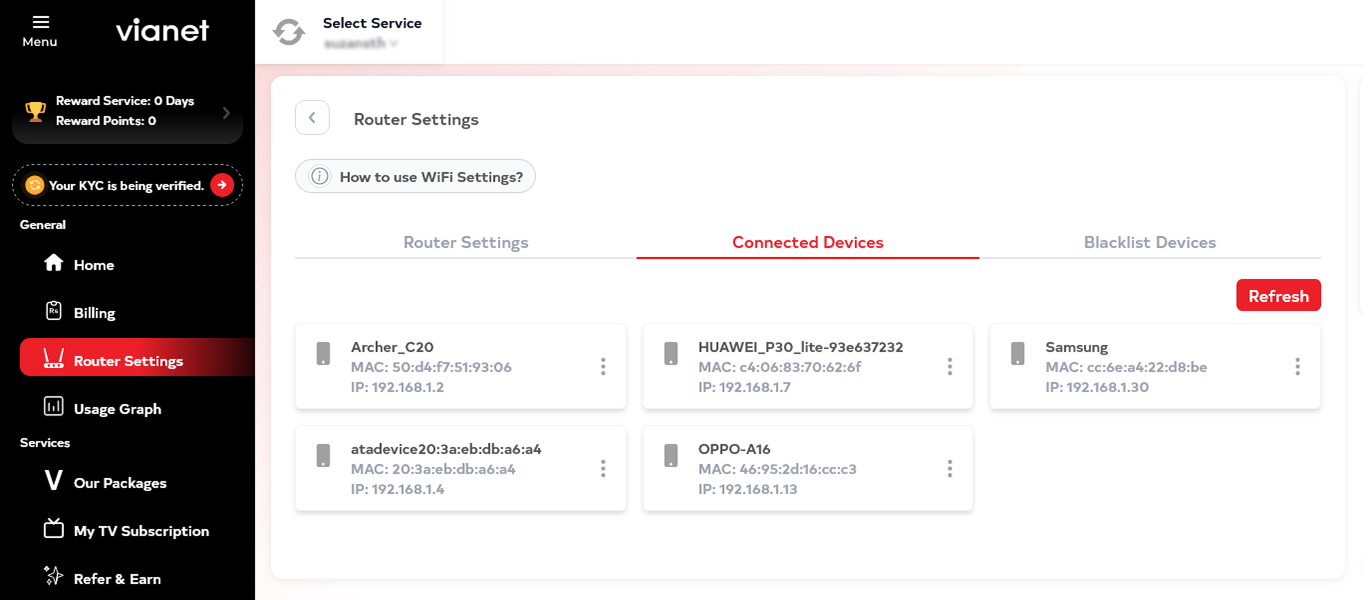
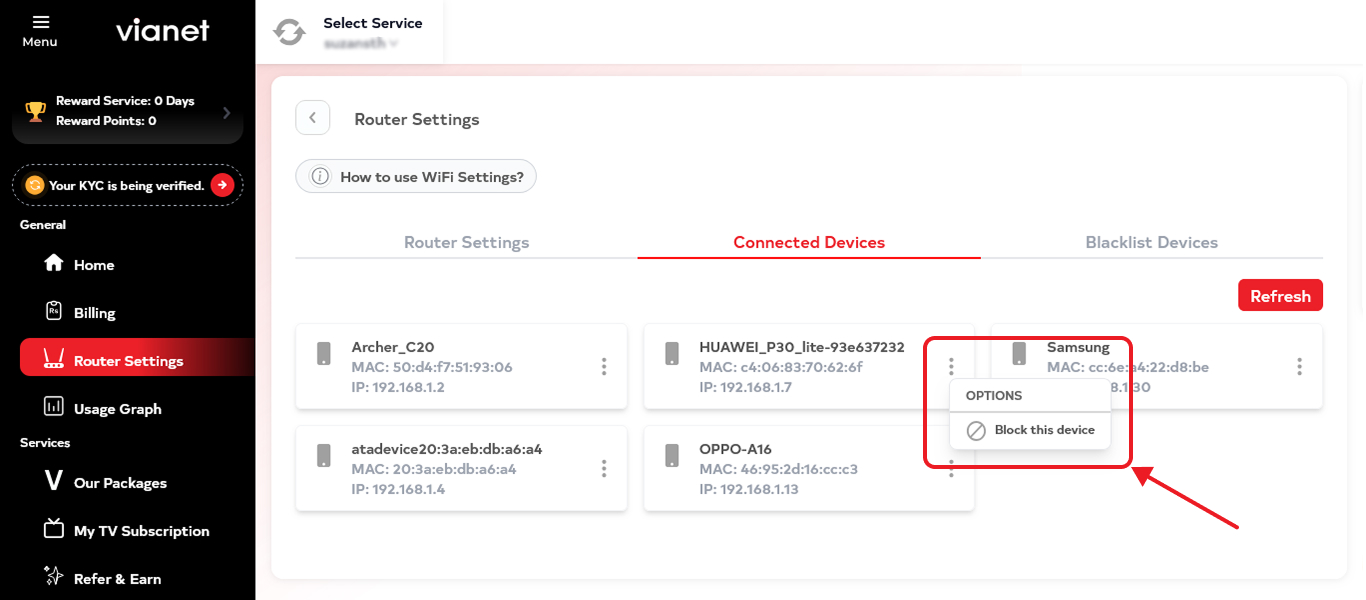
Check Connected Devices
See which devices are currently connected to your Wi-Fi network.
Keep track of your connected devices and identify devices you may not recognize.
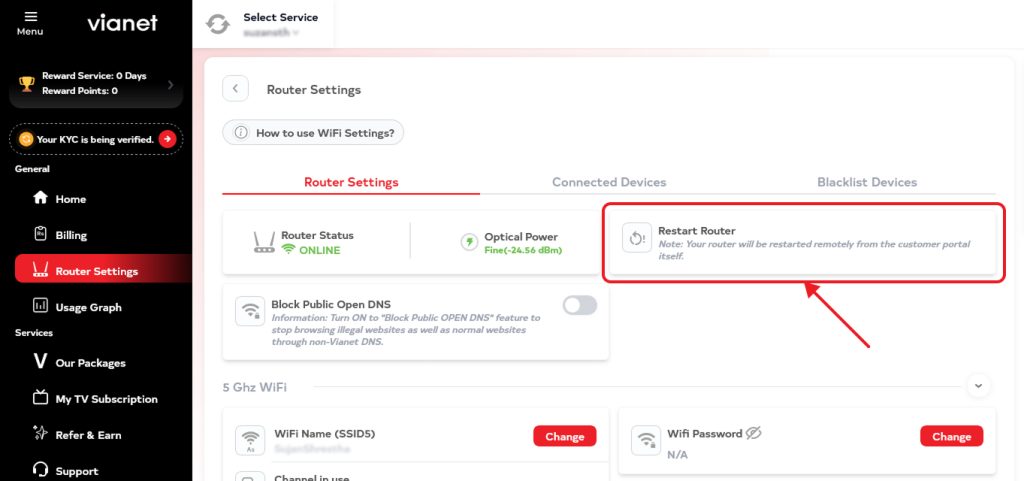
Control Your Router Remotely
Restart or turn off your router remotely through the App.
No need to be physically next to your router for basic remote control.
Run a Speed Test
Check your Internet connection speed directly through the App.
View your download and upload speed and use the results when troubleshooting your connection.
Check Internet Usage & FUP
View your Internet usage and FUP status so you can keep track of your consumption.
View Bills & Payment Details
Check your billing information, payment details and pending amounts from the App.
Raise a Support Ticket
If self-help does not resolve your issue, raise a support ticket directly through the App.
Provide details about the issue and submit your request without having to call Customer Care.
Track Your Support Ticket
Already raised a ticket?
Check the latest status and updates of your support request directly through the App.
Get Network & Service Notifications
Stay informed about important updates related to your Vianet service.
Notifications may include:
- Network incidents
- Service interruptions
- Maintenance updates
- Restoration updates
- ETR information
- Important account and service notifications
Get Self-Help
Access troubleshooting information for common Internet issues before contacting Customer Care.
You can find help for:
- Internet connection issues
- Wi-Fi issues
- Router issues
- Common ViaTV issues
- Other common service problems
Manage Your Vianet Account
View your account and service information and manage your Vianet services from one place.