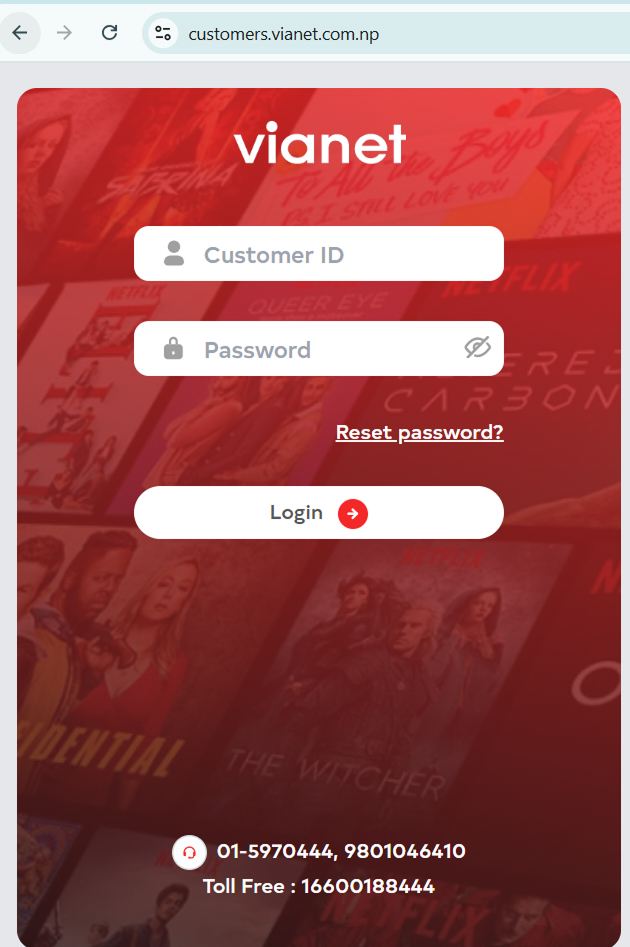
1. Login to Customer Web Portal / Mobile App (Android or iOS)
2. Go to Router Settings
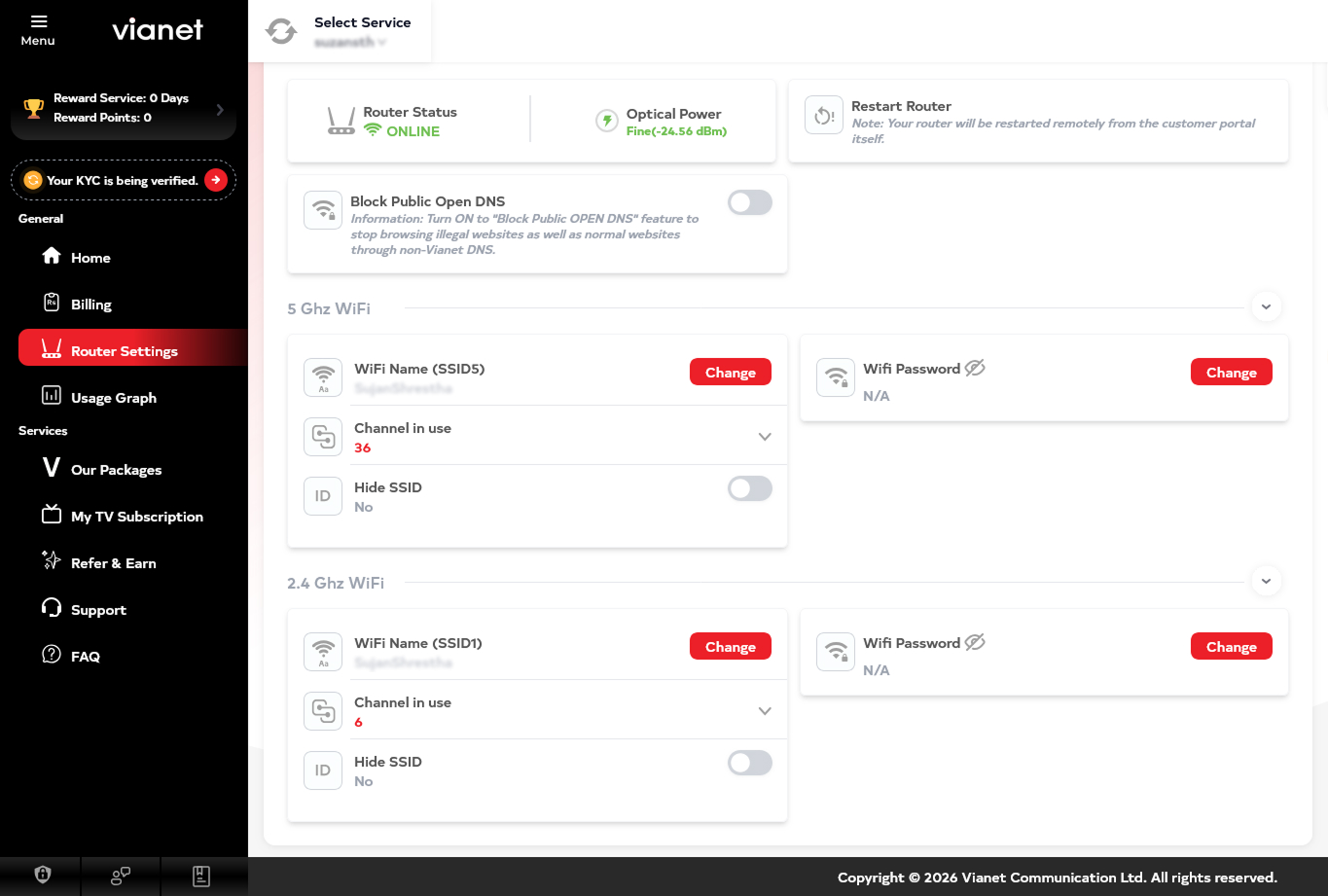
3. Select band (2.4GHz/5GHz).
4. Edit WiFi Name (SSID) / WiFi Password
5. Save and Reconnect devices afterward.


How can we help you?
How to Change Wi-Fi Name (SSID) or Password ?
1. Login to Customer Web Portal / Mobile App (Android or iOS)
2. Go to Router Settings
3. Select band (2.4GHz/5GHz).
4. Edit WiFi Name (SSID) / WiFi Password
5. Save and Reconnect devices afterward.
Was this article helpful?
Help us improve your support experience by sharing your feedback.