

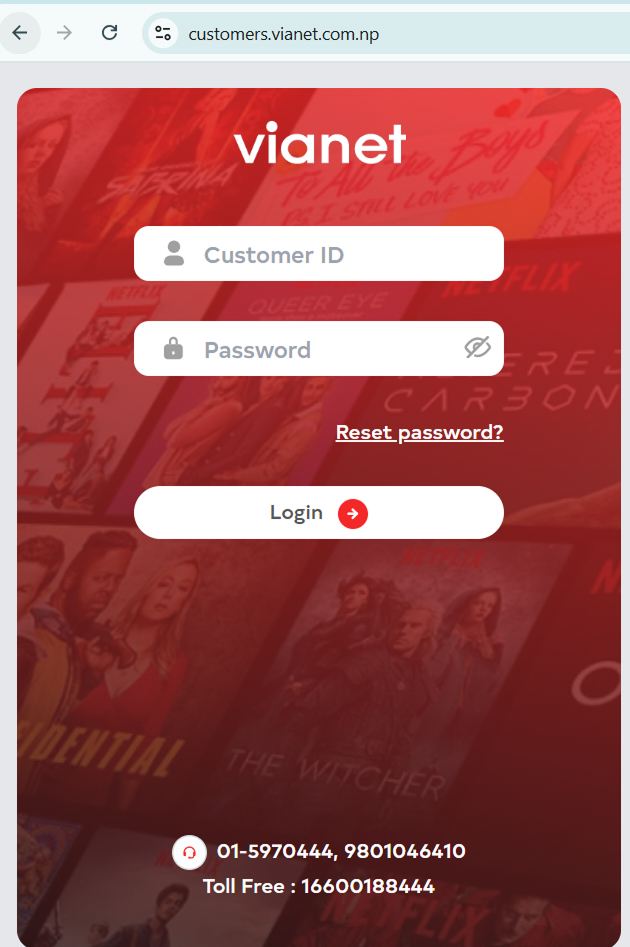
1. Login to Customer Web Portal / Mobile App (Android or iOS)
2. Go to Billing
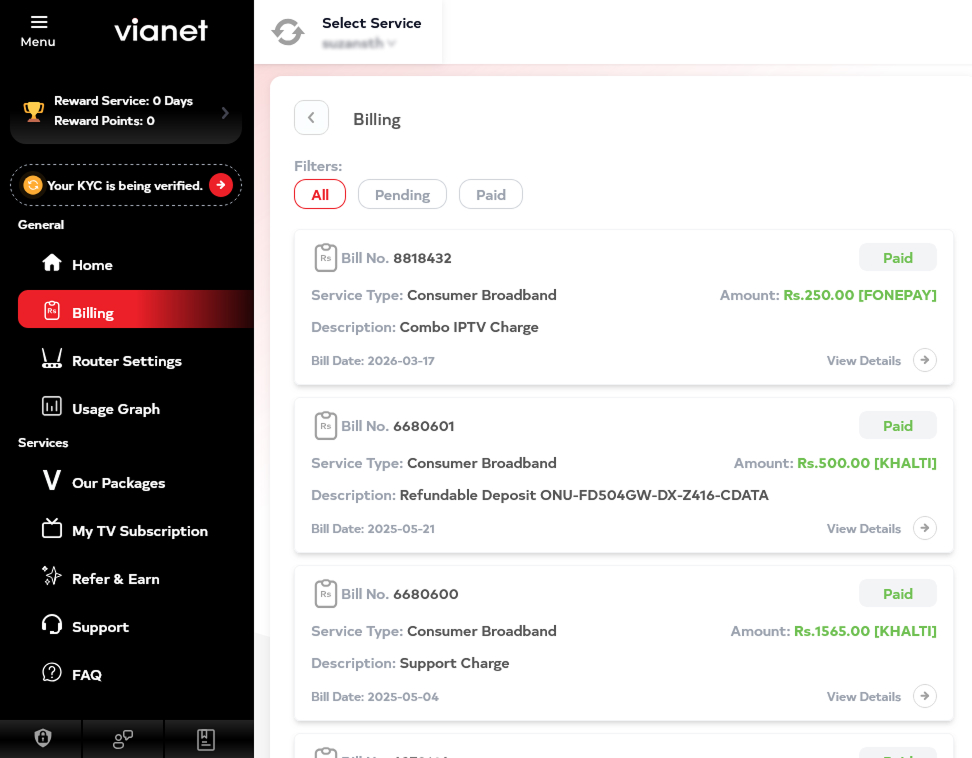
3. Go to Pending tab
All pending bills will be shown there
You can view past paid bills as well , by simply clicking to Paid tab
Or
SMS Balance: Look for the automated billing reminders sent to your registered phone number.
Or check through Esewa and Khalti and enter your CUID to check if there is any balance that needs to be paid